

Applies to Windows and macOS Clients. The Linux equivalent is a separate parameter.
Windows Clients
With Enable keystroke logging selected, two additional options are available:- Enable keystroke logging if the Korean keyboard language is used — extends logging to the Korean input language, in addition to other supported languages.
- Start monitoring after detecting one of the following keywords — delays recording until the user types one of the specified keywords or phrases, then continues recording for the rest of the session. Enter multiple words or phrases separated by commas, semicolons, or new lines; words within a phrase are separated by spaces.
Keystrokes aren’t displayed directly in the Session Viewer, but they’re searchable — both in the Metadata grid in the Session Viewer, and on the Client Sessions tab of the Activity Monitoring page. Displaying keystrokes directly in the Session Viewer and in reports requires contacting your Syteca vendor or the Syteca Support team.
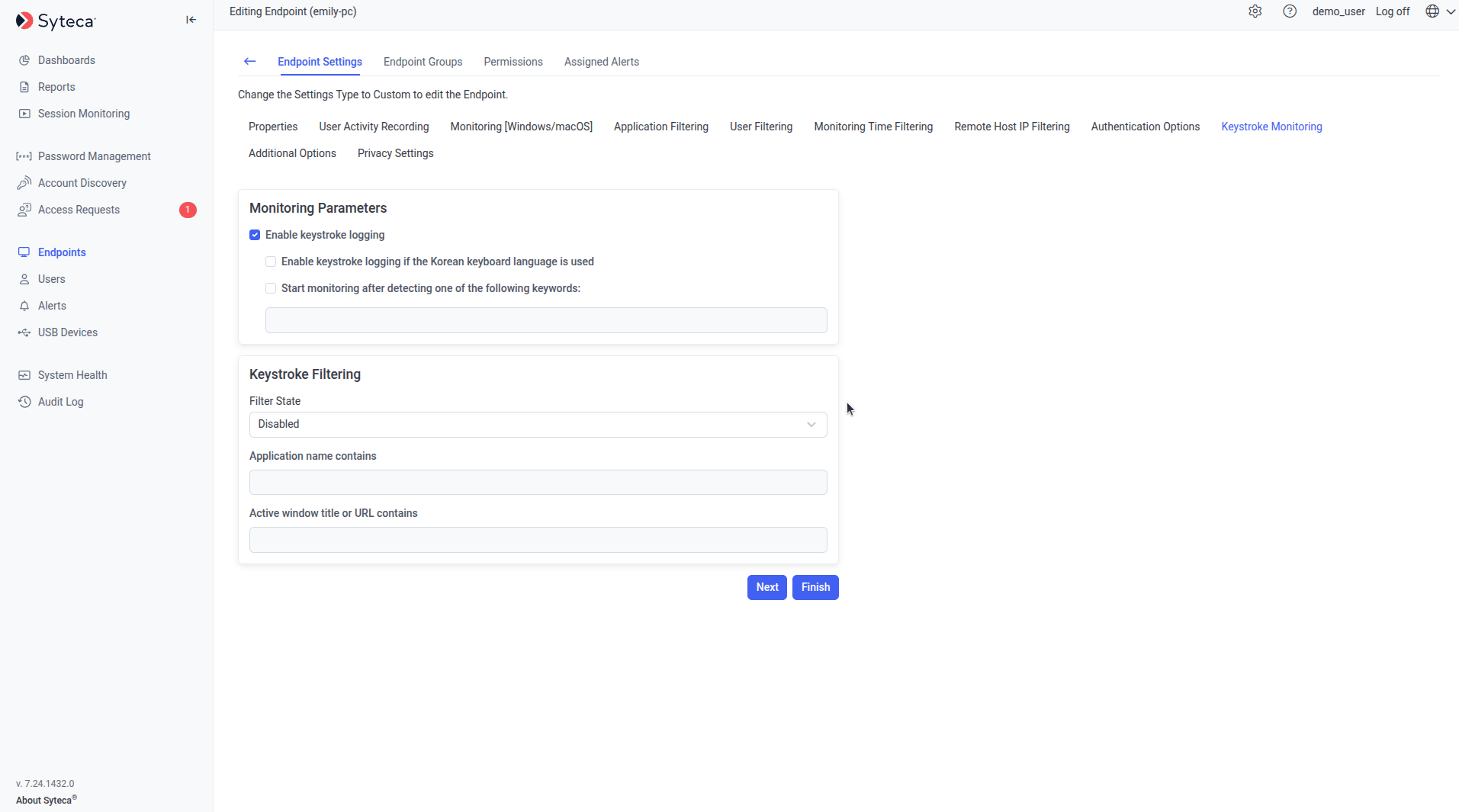
The Keystroke Monitoring tab with keystroke logging and keyword-triggered monitoring options.
macOS Clients
macOS Clients support the same Enable keystroke logging parameter on the equivalent Keystroke Monitoring tab.Linux Clients
On Linux, this is called user input monitoring rather than keystroke logging, but it’s the same underlying capability: it captures the keystrokes a user enters in remote SSH sessions and local terminal sessions on a Linux Client.
Enable it
1
Add the key to the Application Server settings
On the Application Server computer, open
EkranServer.Settings.config (by default in C:\Program Files\Ekran System\Ekran System\Server) and add:2
Restart the Application Server
Restart the EkranServer service.
3
Enable it on the Client or Client Group
On the Editing Client (or Editing Client Group) page, select the Monitoring [Linux] tab, and under User input monitoring at the bottom, select Enable user input monitoring.
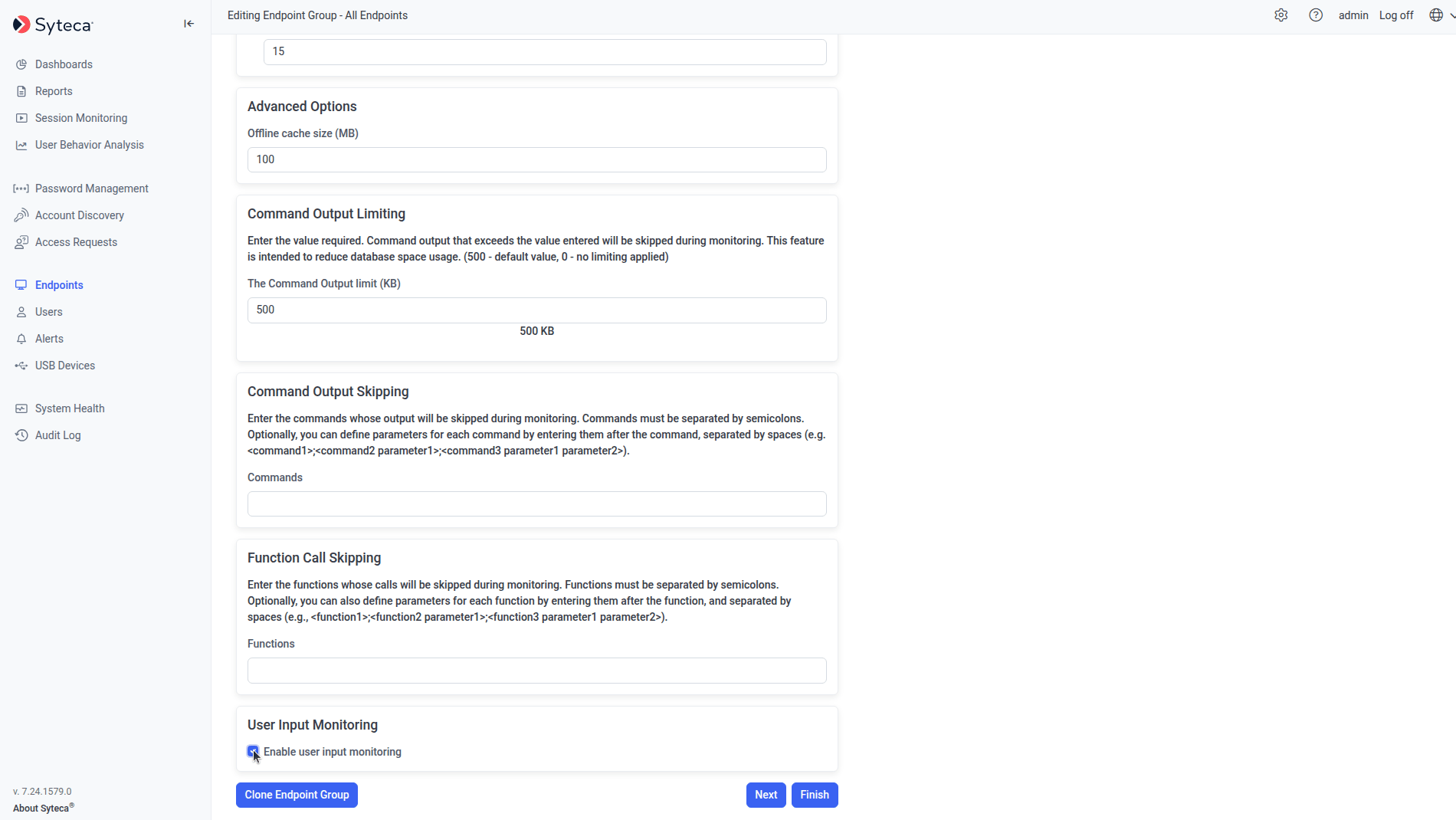
The User input monitoring section on a Linux Client's Monitoring tab.
View captured keystrokes
Keystrokes aren’t shown directly in the Session Player, but they’re searchable in the Metadata grid while playing remote SSH and local terminal sessions. Linux Clients log these keystroke categories:Related
Filtering parameters
Limit which applications keystrokes are monitored in.
Sensitive data masking
Mask specific sensitive values within recorded keystrokes.
Windows Clients
Windows Client installation and configuration.
macOS Clients
macOS Client installation and configuration.